Hiring an AR clerk
~US$4,040 / month
Median pay, before benefits1
- About 40 hours a week
- Follow-ups written and sent by hand
- Reminders wait when they’re out
Invoice tracking for freelancers, agencies and enterprises
Due Meridian follows up on your unpaid invoices for you. It sends reminders on a schedule and keeps a record of every reminder and client reply.
Step 1 of 5 · Connect
Link your accounting software, such as QuickBooks, Xero, FreshBooks or Wave, and your invoices come straight in.
Step 2 of 5 · Choose
Choose your payment reminder schedule, for example 3 days before an invoice is due. Approve the message once, and reminders will be sent automatically according to your schedule.
Step 3 of 5 · Remind
Your clients receive polite, professional emails from you, only on the schedule you approved.
Step 4 of 5 · Pause
When a client writes back, reminders for that invoice stop and the reply is forwarded to you, so you decide what happens next.
Step 5 of 5 · Settle
Once a payment is confirmed, the reminders stop and the invoice is marked settled. From sent to settled.
Connects with your accounting software
Your receivables, at a glance
See what’s due, what’s scheduled, what’s paused and why, and what’s been confirmed as paid. No more digging through spreadsheets before you send another email.
Try the demo| Invoice | Client | Outstanding | Next step |
|---|---|---|---|
| INV-1001 | Client A | US$1,500.00 | Reminder Thu 10:00 |
| INV-1002 | Client B | US$525.00 | Partial paid · reminder Fri |
| INV-1003 | Client C | US$2,400.00 | Paused · says paid, verifying |
| INV-1004 | Client D | US$610.00 | Paused · promised Nov 14 |
| INV-1005 | Client E | US$0.00 | Paid · verified |
How it works
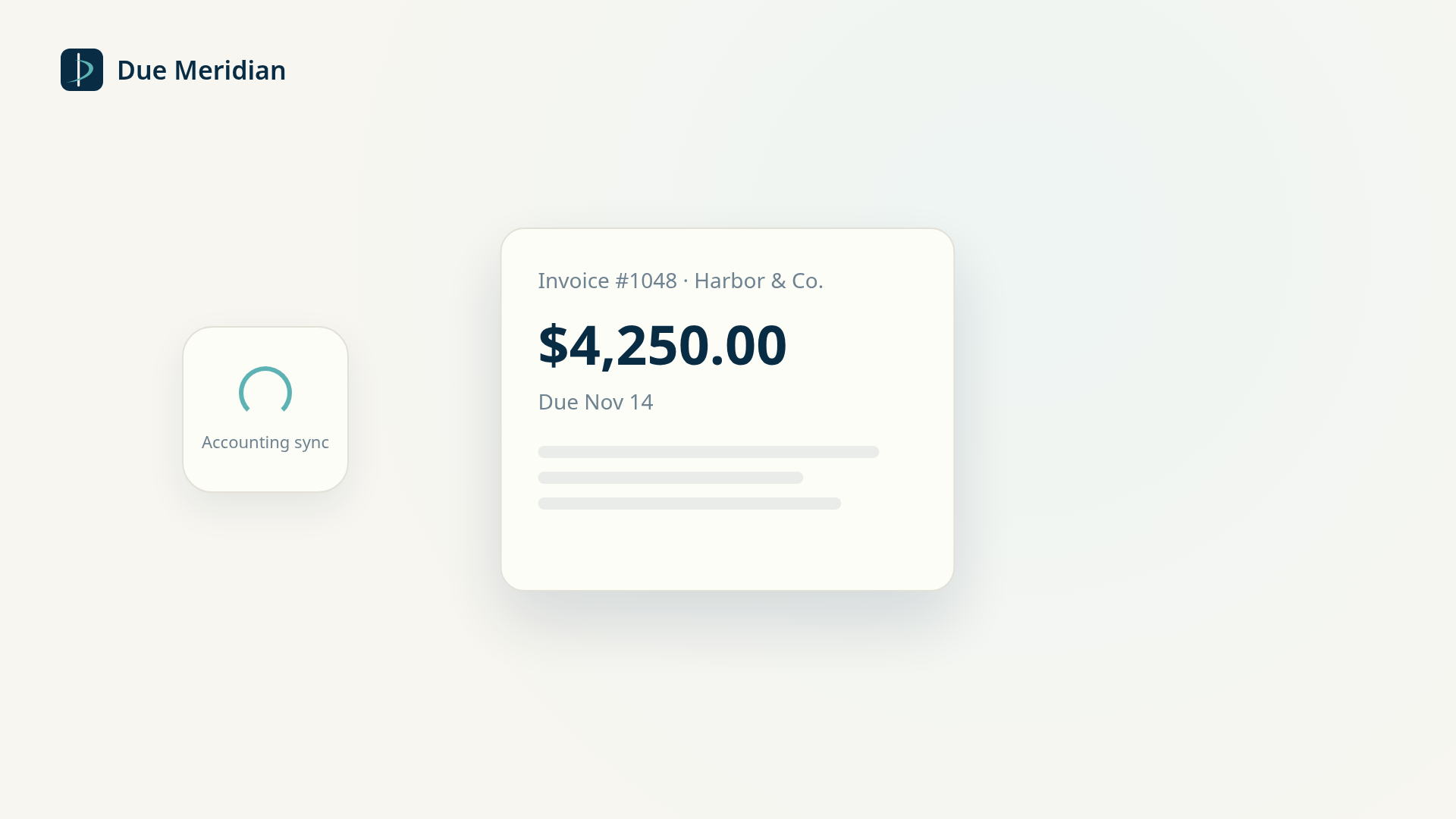
Direct connections to QuickBooks Online, Xero, FreshBooks and Wave are coming soon. CSV upload works today, with a preview before anything is saved.
Product names are trademarks of their owners. Due Meridian is not affiliated with or endorsed by them.

Coming soon
Payment history from every Due Meridian business they work with, in one 300–850 score.
Any reply pauses reminders for that invoice and is forwarded to you. Tap a reply below to see what happens next. You always make the call.
Paused · reply forwarded
Reminders pause and the reply is forwarded to you. Record the promised date, and reminders wait until then.
Pricing
An invoice counts toward your plan in a month only if we send at least one reminder for it. 30 days free; card needed at checkout, nothing charged until the trial ends.
Hiring an AR clerk
Median pay, before benefits1
About45×less per month
Handles the follow-ups for a fraction of the cost, so your team spends its time on the work only people can do.
about 9¢ per invoiceabout 8¢ per invoice
1 Billing and posting clerks (43-3021), median annual pay US$48,500 ÷ 12. U.S. Bureau of Labor Statistics, Occupational Employment and Wage Statistics, May 2025. Excludes benefits and overhead.
Prices in US dollars, plus any applicable tax. Per-invoice figures are approximate and rounded to the nearest cent. By starting a trial you agree to our Terms of Service; see our Privacy Policy.
Due Meridian is built to connect with QuickBooks Online, Xero, FreshBooks and Wave. These direct connections are coming soon. Today, you can upload a CSV exported from any of them, or from any spreadsheet.
Not entirely. So that no one who has already paid gets a reminder, CSV accounts need to reconfirm payment status within the 24 hours before each automated reminder. If they don’t, sending pauses.
They’re sent in your name, to your clients, and only after you’ve confirmed the contacts, schedule and tone.
An invoice we sent at least one reminder for in that month. Invoices you import but we never chase, or that get paid before a reminder goes out, don’t count.
You get an alert at 80% and at 100%. By default, sending pauses at your limit. If you turn on overage, extra invoices cost about 75¢ each, up to a ceiling you set.
Yes. Paying yearly saves 10%: Starter is US$960 a year instead of US$1,068. The 30-day free trial applies either way, and you can switch between monthly and yearly from Manage billing.
Due Meridian is for freelancers, agencies and enterprises wherever they bill clients. Pricing is in US dollars.
You can export it at any time. Read our Privacy Policy. Questions: [email protected].
30 days free, then the monthly or yearly price. Cancel anytime before the trial ends.
Built for freelancers, agencies and enterprises that send invoices every month.